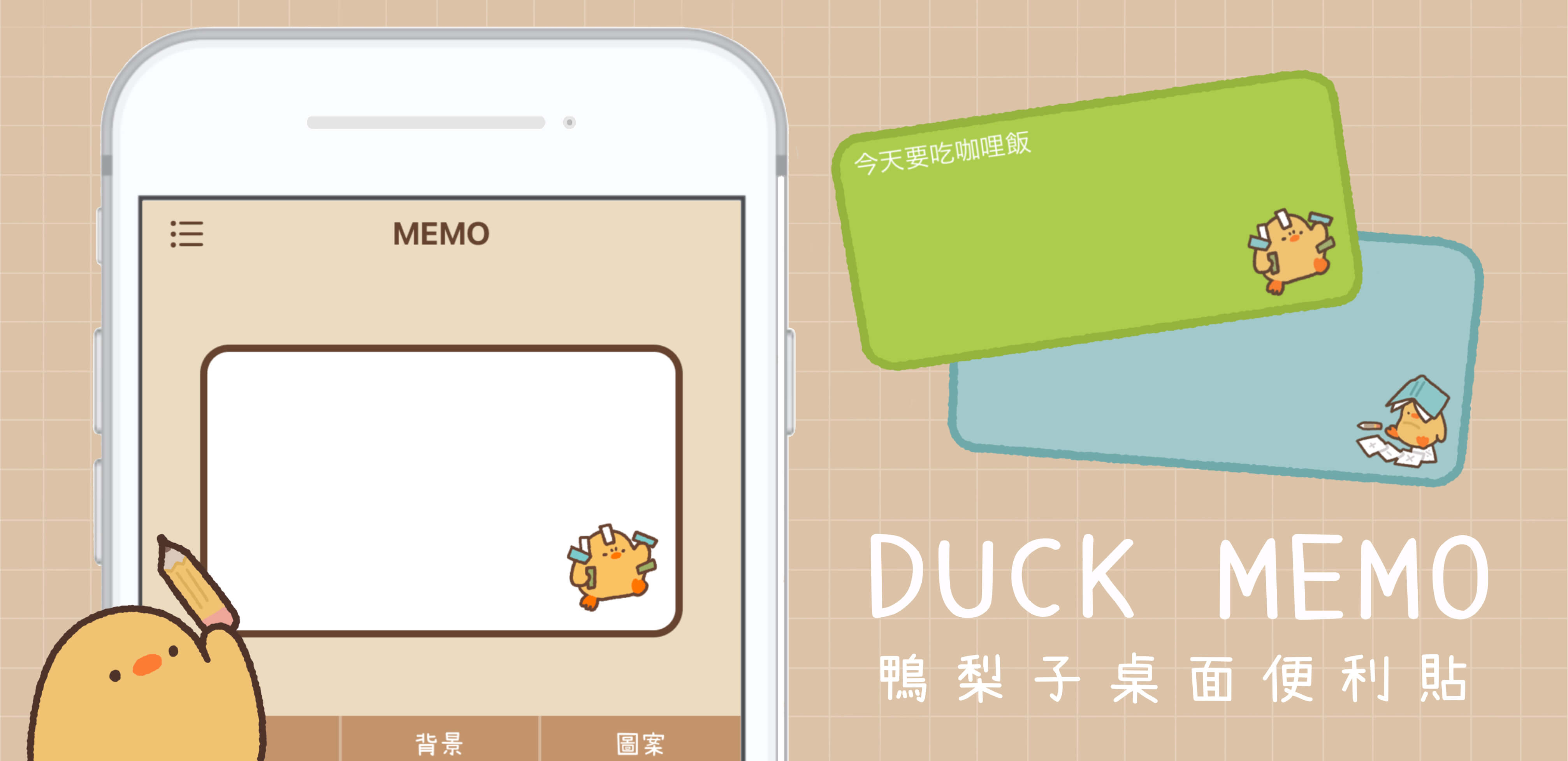
Duck Memo App Usage
Display a memo on the home screen
Edit the list screen(iOS)
1.Press and hold a memo to reorder it.
2.Swipe the note to the left to delete it.
3.You can add multiple sticky notes on the desktop.
※It is not possible to delete all memos.
Editing notes(input)
1.There is a button on the keyboard that allows you to change the font size and color.
2.The text color can be freely selected.
3.There are 1px~50px font sizes to choose from.
Editing notes(icon)
1.You can select an icon.
2.Touch [?] on the screen to challenge the lottery. If you win, you'll get a new icon to use!
※We will be adding new icons in future updates, so stay tuned!
If the widget does not show up after the update
1.Delete the widget that is not displayed.
2.Add the widget again and it will be displayed.
The app crashes immediately after launching. How can I fix it?
If the amount of space used by the phone you are using is close to the capacity limit, the app may be forced to close.
Please check the capacity of your phone, delete unnecessary apps and photo data, reboot your phone, and try again.